





Artwork
Printing a book involves several important stages, including prepress artwork. Prepress artwork is the process of designing and preparing all the visual elements of a book before it goes to the printer. It is crucial to get the prepress artwork right in order to ensure that the final product looks professional, polished, and visually engaging.
What are Prepress Artworks? Why are They Matter?
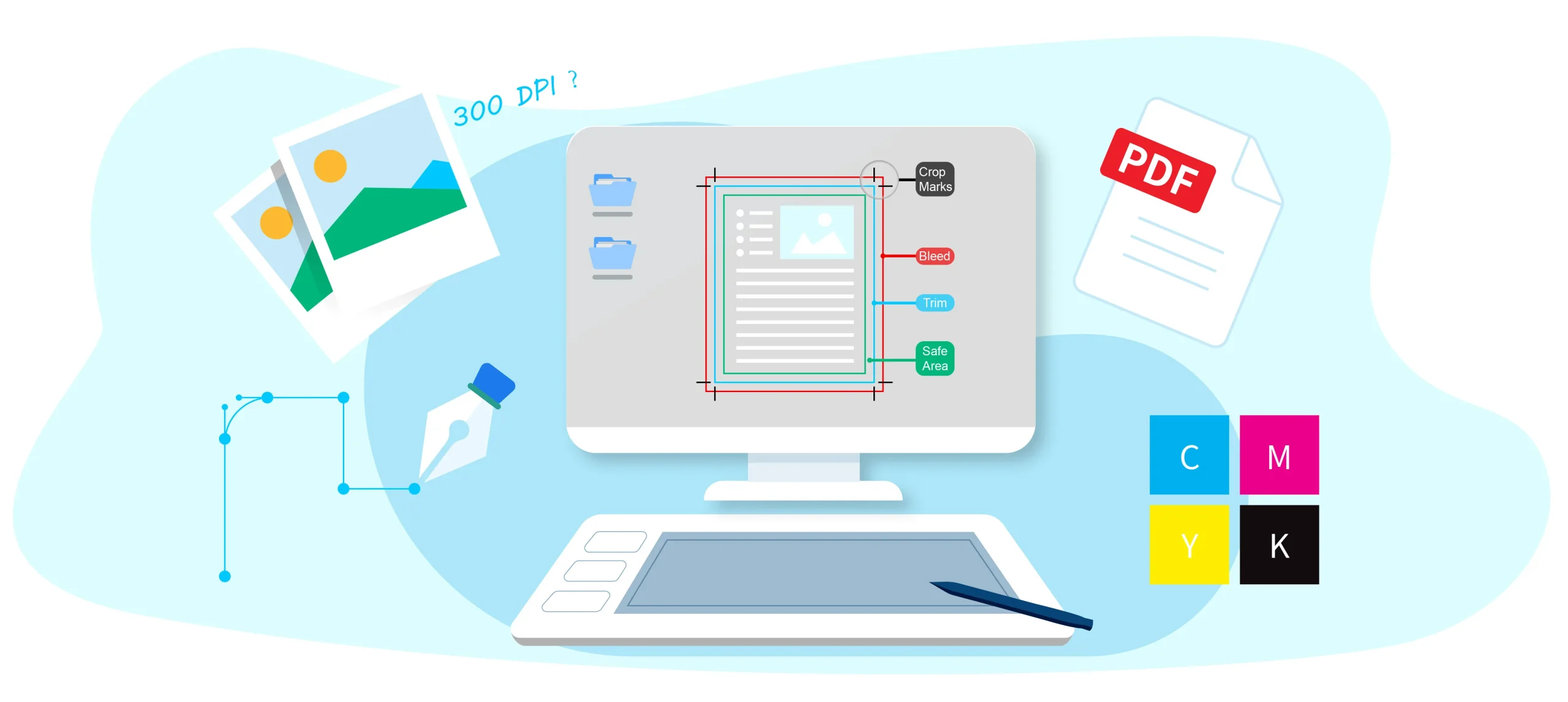
Prepress artwork refers to the final, print-ready files you submit before production begins. This includes your complete layout, text, images, bleeds, margins, page numbers, and all design elements properly prepared for printing.
Why it matters
Ensures accurate printing: Proper prepress files reduce color, layout, and formatting issues.
Prevents costly errors: Mistakes caught after printing starts can lead to delays or reprints.
Keeps pages in order: Correct setup guarantees your book or document flows exactly as intended.
Improves final quality: Clean, well-prepared files lead to sharper text, better colors, and a professional finish.
What Kind of Artwork Do We Prefer?
The following are some short tips for your reference, you can also consult with our sales, and we will give you our professional advice for your books. Usually, our sales will reply to you in 1-2 hours on working days.
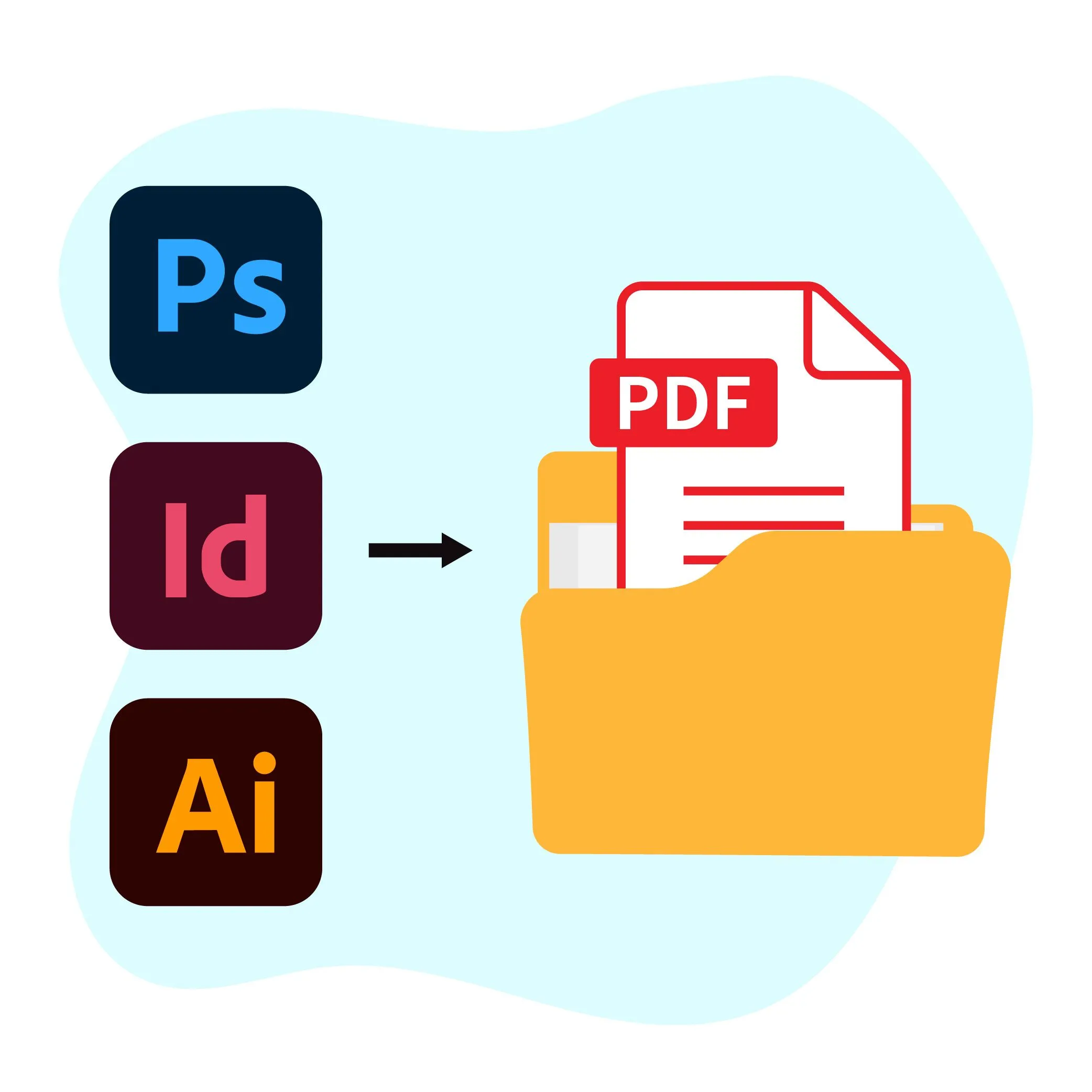
1: We prefer artwork in PDF format.
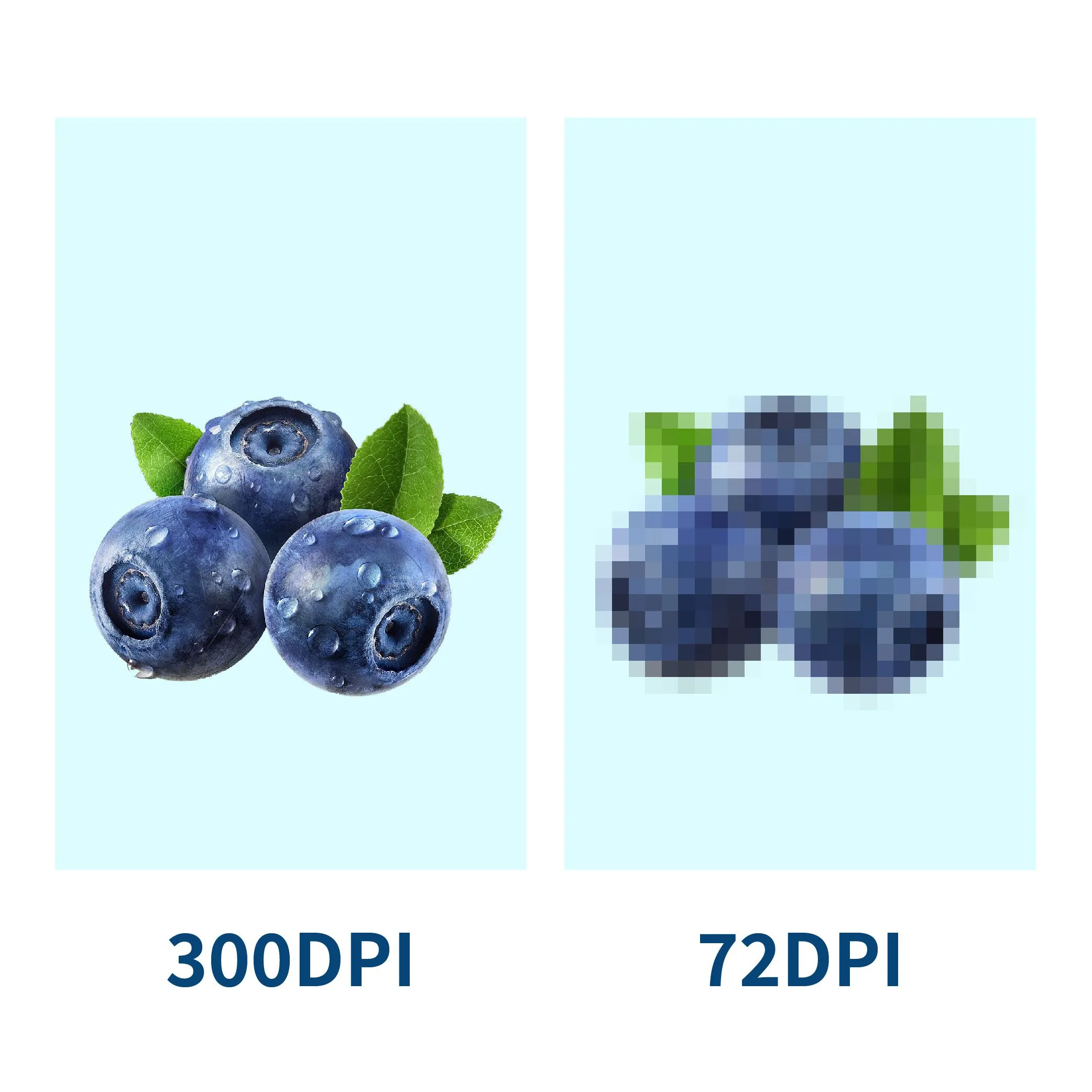
2: The pictures are in at least 300 DPI.
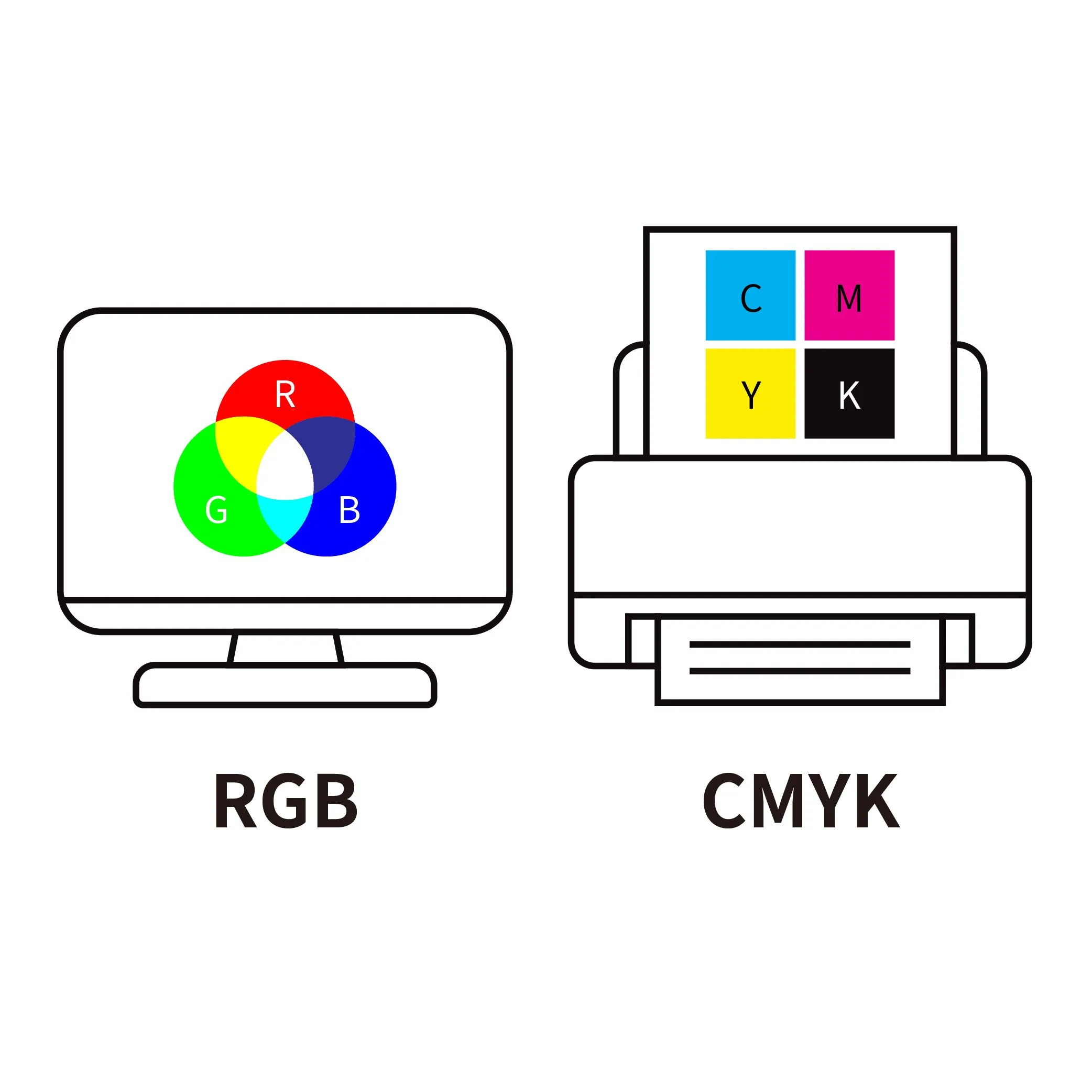
3: In CMYK colors, not RGB. As RGB will change them to CMYK auto by us. If CMYK we will guarantee print the same color as the original artwork.
4: If black text, is better to design 100% black, not composed of CMYK colors. As 100% black is cheaper than CMYK black.
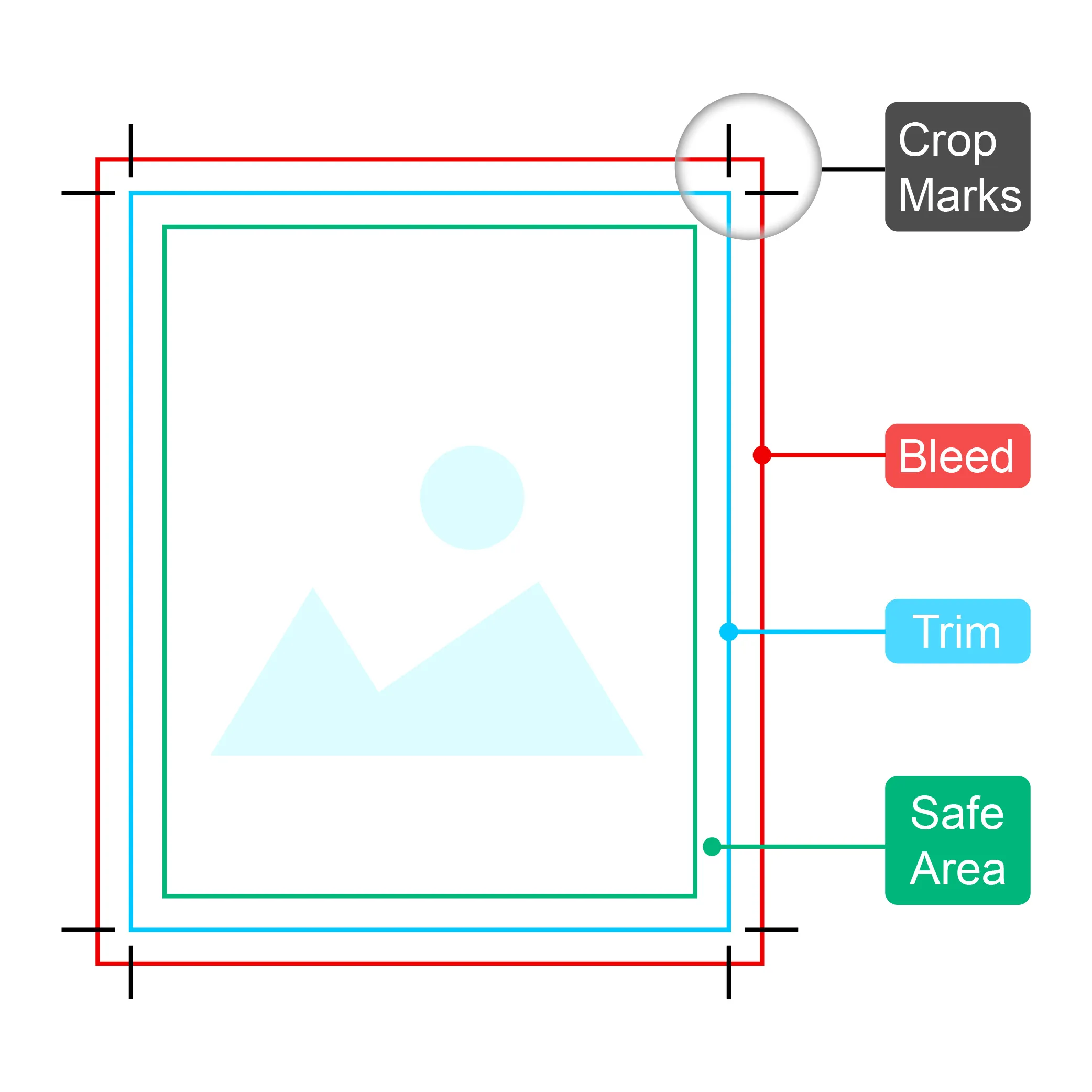
5: Full bleed on each side abt 0.12inchs.(3mm)
6:Convert all text to outlines.
After get your artwork our design department will check your artwork carefully to make sure it can print beautifully. When your artwork is finished pls do not hesitate to send us by transfer or dropbox. If some small problems our professional book designers will fix them for you to make sure we can print them nicely.
Some Tips for Prepare Pre-press Artwork
To help you get started, here are some useful tips for preparing your artwork correctly. Following these guidelines will ensure your files are print-ready, colors are accurate, and your final product looks professional

Design Software
Choosing the right software for your prepress artwork is key. Some popular options include Adobe InDesign, Adobe Illustrator, and Adobe Photoshop. These programs are industry-standard tools used by professional designers and printers alike.
Bleed
Bleed is a margin around the edge of the page that is meant to be trimmed off during printing. It is important to include a bleed in your prepress artwork design to ensure that there are no white edges or gaps in the final print. A common bleed size is 0.125 inches(3mm).
Signature
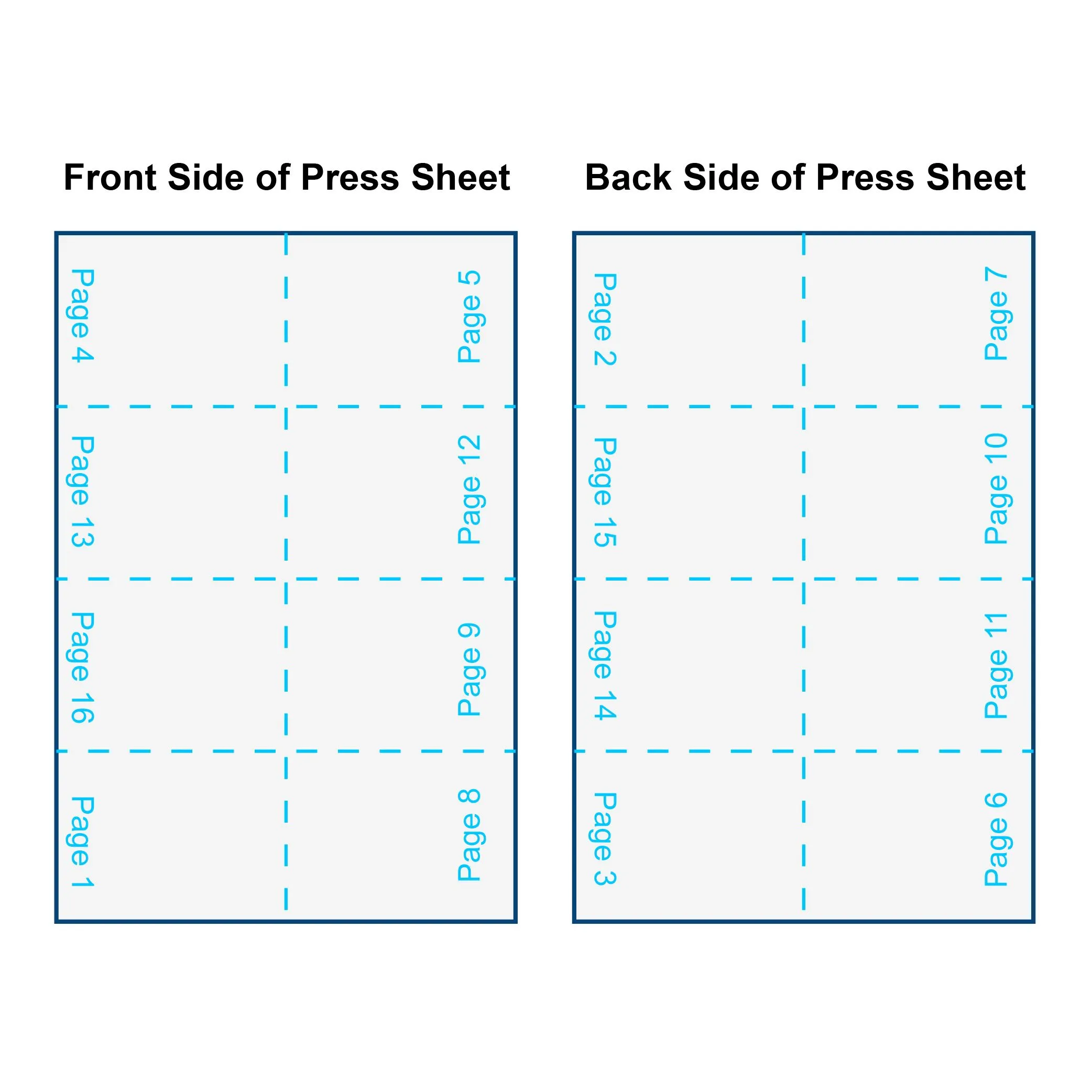
A signature is a set of pages that are printed on a single sheet of paper and then folded and trimmed to create a group of pages. Understanding how to set up signatures is key to ensuring that your final print looks the way you intended.
CMYK
CMYK and RGB are different color modes for print and digital use. For printing, always use CMYK. RGB files will be auto-converted, which may cause color shifts. CMYK ensures accurate color matching to your original artwork. For black text, use 100% black instead of CMYK-mixed black—it prints cleaner and is more cost-effective.
Resolution
When working with images in your prepress artwork, it is important to make sure they are high resolution (at least 300 dpi) to ensure a sharp and clear print.

Vector Graphics
Vector graphics are a type of digital image that can be scaled up or down without losing resolution. Including vector graphics in your prepress artwork can help ensure that images look crisp and clear in the final print.

Book Spine
Including the book spine in your prepress artwork is important in creating an attractive and professional-looking book. Make sure to design the spine to include the book title and the author’s name. The size of spine is depend on your book’s page counts, paper thickness and binding options.
File Format
In terms of file formats, it is best to work with high-quality PDFs for your prepress artwork. Adobe InDesign allows you to export high-quality PDFs that can be easily sent to a printer for production.
Page Number
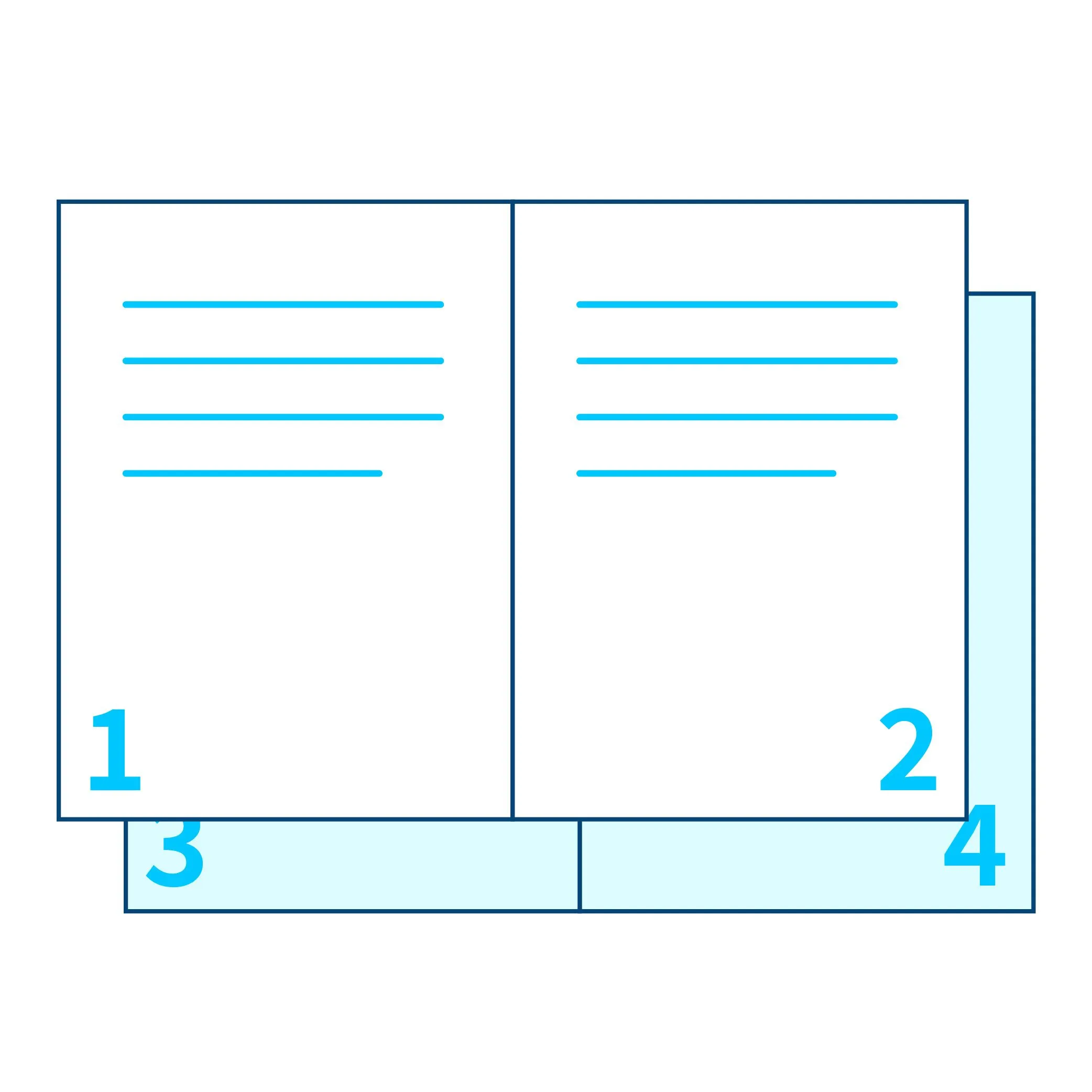
Page numbers are essential for multi-page books and documents. They guide readers and give your work a professional look. Be sure to include page numbers in your prepress files to ensure proper navigation and correct page order during printing.
Prepress artwork plays a vital role in the book printing process. By following the tips outlined above, you can ensure that your prepress artwork looks professional, polished, and visually engaging, resulting in a high-quality final product. Get in touch.