




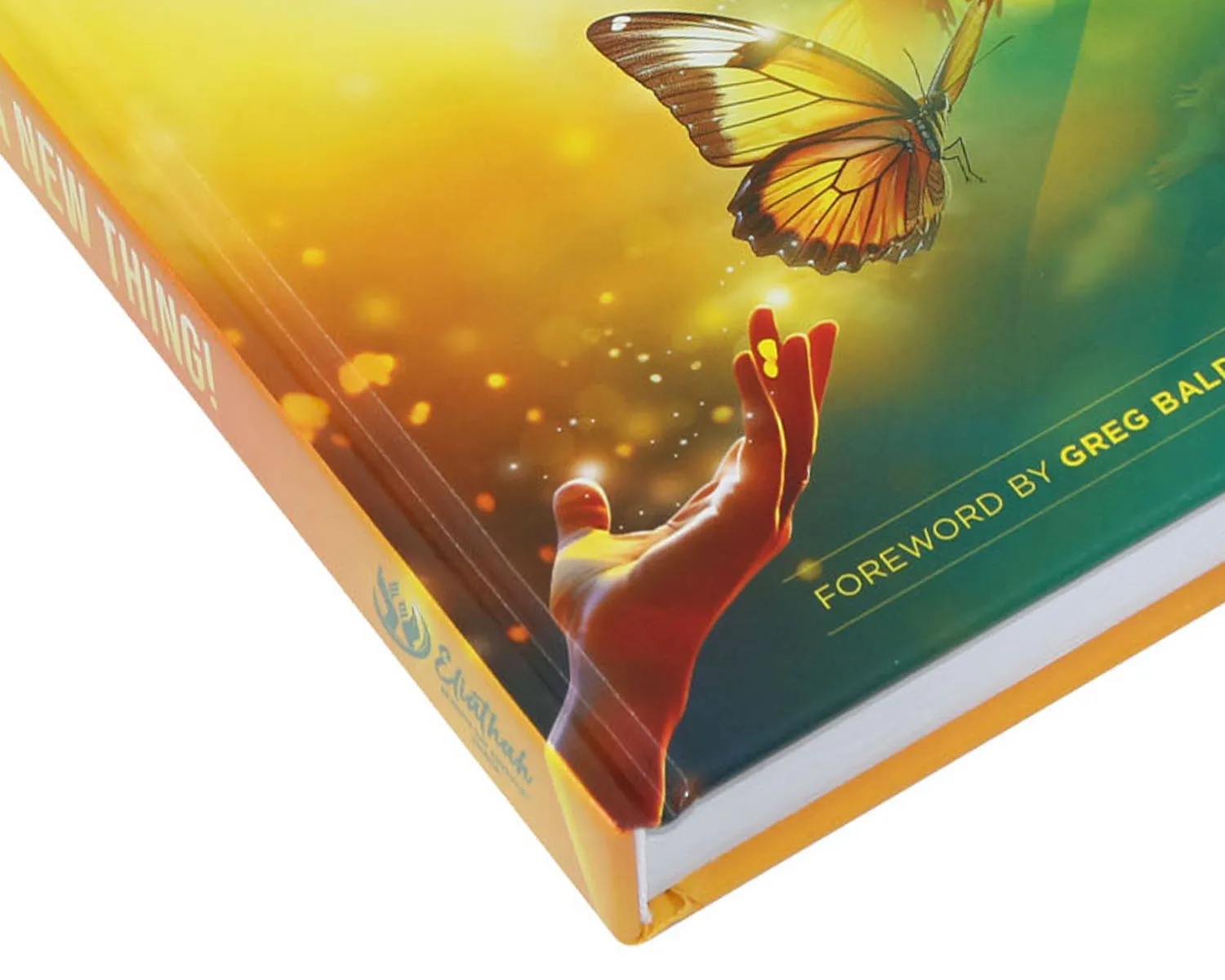
Book Spine
In this guide, we’ll explain what a book spine is and provide formulas and a calculator to help you accurately determine spine width.
What is the Spine of A Book?
The spine is the bound edge of a book where all the pages are held together. It’s the structural backbone that connects the front and back covers and often displays the book’s title, author, and publisher. Beyond its practical role in holding the book together, the spine also plays a key part in the book’s appearance and usability, influencing how it sits on a shelf and how easily it opens and closes.
It can be customized based on page count, paper thickness, and binding type, making spine design an important consideration in any printing project.
How to Calculate The Spine Width
Calculating a book’s spine width ensures your cover fits perfectly and your book opens smoothly. The spine width depends on the total number of pages, the thickness of the paper, and the type of binding used.
Below, we provide spine calculators and formulas, along with detailed paper weight-to-thickness charts, to help you accurately determine the book spine width for your printing project.
Spine Wide Calculator
Note: For the above spine calculator, softcover books assume use a cover made of 250 gsm (92 lb) coated paper. Hardcover books assume a 3 mm gray board wrapped in 157 gsm (106 lb) coated paper, with endpapers made of 140 gsm (95 lb) uncoated paper.
Book Spine Calculator Formula
Spine calculations vary by binding method. Saddle stitch, spiral, and wire-o bindings don’t require a spine width calculation. The formulas below are specifically for softcover books, hardcover books, and board books.
Softcover Book Spine Width Formula: Cover Paper Thickness x 2 + (Interior Paper Thickness x Inner Page Count) / 2 (Recommended minimum spine thickness: 3 mm / 0.125 inches)
Hardcover Book Spine Width Formula: (Cover Wrap Paper Thickness + Grey Board Thickness) x 2 + Endpaper Thickness x 4 + (Interior Paper Thickness x Inner Page Count) / 2
Board Book Spine Width Formula: Total Page Count x Paper Thickness
Hardcover Board Book Width Formula: (Cover Wrap Paper Thickness + Grey Board Thickness) x 2 + Total Page Count x Paper Thickness
To calculate spine width using our spine calculator formula, you first need to convert paper weight from GSM or lbs into inches or millimeters. Below, we’ve provided detailed paper weight-to-thickness charts covering uncoated paper, coated paper, and C1S paper to help you make accurate calculations.
Uncoated Paper Weight and Thickness Chart
| GSM | LBS | mm | Inches |
| 70 gsm | 47 lb Text | 0.088 mm | 0.0035″ |
| 80 gsm | 54 lb Text | 0.098 mm | 0.0039″ |
| 100 gsm | 68 lb Text | 0.118 mm | 0.0046″ |
| 120 gsm | 81 lb Text | 0.14 mm | 0.0055″ |
| 140 gsm | 95 lb Text | 0.165 mm | 0.0065″ |
| 160 gsm | 108 lb Text | 0.196 mm | 0.0077″ |
| 180 gsm | 122 lb Text | 0.212 mm | 0.0083″ |
| 200 gsm | 74 lb Cover | 0.24 mm | 0.009″ |
| 250 gsm | 92 lb Cover | 0.29 mm | 0.0114″ |
| 300 gsm | 111 lb Cover | 0.35 mm | 0.0138″ |
Glossy Art Paper Weight and Thickness Chart
| GSM | LBS | mm | Inches |
| 80 gsm | 54 lb Text | 0.065 mm | 0.0026″ |
| 105 gsm | 71 lb Text | 0.088 mm | 0.0035″ |
| 128 gsm | 86 lb Text | 0.105 mm | 0.0041″ |
| 157 gsm | 106 lb Text | 0.136 mm | 0.0054″ |
| 200 gsm | 135 lb Text | 0.18 mm | 0.0071″ |
| 250 gsm | 92 lb Cover | 0.26 mm | 0.0102″ |
| 300 gsm | 111 lb Cover | 0.32 mm | 0.0126″ |
| 350 gsm | 129 lb Cover | 0.37 mm | 0.0146″ |
| 400 gsm | 148 lb Cover | 0.41 mm | 0.0161″ |
Matte Art Paper Weight and Thickness Chart
| GSM | LBS | mm | Inches |
| 80 gsm | 54 lb Text | 0.072 mm | 0.0028″ |
| 105 gsm | 71 lb Text | 0.095 mm | 0.0037″ |
| 128 gsm | 86 lb Text | 0.116 mm | 0.0046″ |
| 157 gsm | 106 lb Text | 0.148 mm | 0.0058″ |
| 200 gsm | 135 lb Text | 0.2 mm | 0.0079″ |
| 250 gsm | 92 lb Cover | 0.25 mm | 0.0098″ |
| 300 gsm | 111 lb Cover | 0.31 mm | 0.0122″ |
Coated One Side Paper Weight and Thickness Chart
| GSM | LBS | mm | Inches |
| 210 gsm | 78 lb Cover | 0.28 mm | 0.0110″ |
| 250 gsm | 92 lb Cover | 0.35 mm | 0.0138″ |
| 300 gsm | 111 lb Cover | 0.41 mm | 0.0161″ |
| 350 gsm | 129 lb Cover | 0.5 mm | 0.0197″ |
| 400 gsm | 148 lb Cover | 0.55 mm | 0.0217″ |
What to Include on a Book Spine
The spine of a book is not just structural—it’s also a key space for conveying important information. Common elements to include are:
Book Title: Usually the most prominent text.
Author Name: Helps readers identify the book quickly.
Publisher Logo or Name: Optional, but common in professionally published books.
Series Name or Volume Number: Useful for books that are part of a series.
Decorative Elements: Simple lines, patterns, or icons can enhance design without overcrowding.
Keep in mind that the spine width and binding type limit how much text or graphics you can fit, so prioritize clarity and legibility.
Spine Special Feature Options
We offer a range of premium spine treatments to elevate the appearance and tactile quality of your book:
Foil Stamping: Adds metallic accents for a luxurious finish. Suitable for both paperback and hardcover books.
Spot UV: Creates glossy highlights on text or design elements, enhancing visual impact. Can be applied to both paperback and hardcover.
Debossing: Produces a recessed design, typically used on hardcover books for a sophisticated look.
Raised Band Spine: A classic detail exclusive to leather hardcover books, adding elegance and texture.
FAQs
What Is the spine width range?
The recommended spine width depends on the binding type and materials used.
Paperback: 3 mm – 60 mm. A minimum of 3 mm ensures there is enough space for readable spine text and proper binding strength.
Hardcover: 8 mm – 80 mm. Hardcover books require a thicker minimum spine due to rigid cover boards and endpapers, which add extra bulk and structural support.
Following these guidelines helps maintain durability, clean binding, and accurate cover alignment.
What's the function of a book spine?
The spine serves as the structural backbone of a book, holding all the pages together and connecting the front and back covers. Beyond its structural role, it also provides key information—such as the book title, author, publisher, and series number—making the book easily identifiable on a shelf.
Additionally, the spine influences how the book opens and closes, affects durability, and contributes to the overall aesthetic of the book.
Can the spine be printed?
Whether a spine can be printed depends on the binding you choose—some binding types don’t allow it.
Paperback, Hardcover, and Board Books: Spine printing is possible, making it ideal for titles, logos, or decorative designs.
Saddle Stitch, Spiral, or Wire-O Binding: These bindings cannot be printed on the spine, as the pages are stapled or held by open coils, leaving no flat surface for text or design.
Concealed Wire-O Binding: Provides a flat spine surface, allowing you to print the book title, author, or other design elements for a professional finish.
Choosing the right binding is essential if you want to include custom printing on your book’s spine.
How to design a book spine?
Designing a book spine requires balancing aesthetics, readability, and technical constraints. Here’s a step-by-step guide:
Measure the Spine Width: Calculate the spine width based on page count, paper thickness, and binding type. Softcover, hardcover, and board books have different requirements.
Choose What to Include: Common elements are the book title, author name, publisher logo, series or volume number, or subtle decorative elements. Prioritize clarity—spines are narrow and often viewed from a distance on shelves.
Select Fonts and Sizes: Use legible fonts that remain readable at small sizes. Avoid overly decorative fonts for the main text.
Consider Colors and Contrast: High contrast between text and background improves readability. Coordinate with cover design for a cohesive look.
Add Decorative or Finishing Effects (Optional): Foil stamping, or spot UV, etc., can enhance the spine, especially for hardcover books.
Check Alignment and Margins: Ensure text is centered vertically and not too close to the edges to avoid being folded during binding.
A well-designed spine improves shelf presence, enhances brand recognition, and gives readers a professional first impression.
Square spine vs round spine: what's the difference?
When choosing a binding style, the shape of the spine affects both appearance and functionality.
Square Spine
Flat and straight along the back edge
Common for perfect bound paperbacks and many hardcover books
Clean, modern look
Easier to print clear, centered spine text
Works well for thinner to medium-thickness books
Round Spine
Gently curved spine, typically used in sewn hardcover books or flexibound leather cover books
Traditional, classic appearance
Opens more smoothly and lays more comfortably
Ideal for thicker, high-end publications
Need Help?
Since 1995, BookPrintingChina has been delivering high-quality, affordable books, catalogs, magazines, and other publications. If you have questions about spine width, artwork, or any other printing details, or if you’d like a quote, please don’t hesitate to contact us. We’re always ready to help bring your printing projects to life!