




Printing manuals and handbooks does more than put information on paper. People retain more information from physical media compared to digital content, according to research. These manual printing services become especially valuable with training materials, instruction manuals, and employee handbooks that must leave a lasting impact.
Businesses depend on printed manuals and handbooks to guide their users on topics of all types. On top of that, these materials see regular use because they teach users about specific subjects. Print’s professional and tangible nature creates legitimacy and shows your audience the extra effort you’ve invested.
In this blog, we will provide you a step-by-step guide for user-friendly manual and handbook printing. We’ve included straightforward advice about material choices, binding options, sizing considerations and practical tips to make your handbook printing project a soaring win.
Why Manual and Handbook Printing Matters
Physical documentation still matters in our digital world. Manual and handbook printing offers real benefits that digital alternatives can’t match. Let us explore why investing in professionally printed materials makes sense for your organization.
Improves Training and Compliance
Printed manuals are vital tools that make training work. Physical handbooks maintain a constant presence in the workplace, unlike digital materials that people can minimize or forget. This visibility helps reinforce procedures and policies.
Physical manuals create permanent reference materials that employees can access without technology barriers in compliance-sensitive industries. These manuals include signature pages that build accountability and document completed training.
Besides, employees keep information better from printed materials. They can flip through pages, highlight sections, and make notes. This hands-on interaction builds stronger neural pathways to remember vital information.
Manual printing services give you a unique advantage. Tabbed sections and color-coding make complex information easy to navigate. Your employees can find what they need quickly during time-sensitive situations.
Supports Consistent Communication
Consistency is the life-blood of effective organizational communication. Printed handbooks ensure everyone gets similar information, whatever their department, class or location. This unity prevents misunderstandings that can cause operational problems.
Company and user handbook printing sets clear standards and expectations. These printed materials are the foundations of organizational policies, from branding guidelines to safety protocols. They create lasting impact that digital communications often miss.
Custom handbook printing lets you control how information appears. You can adapt the design, binding, and layout to match your communication goals. To cite an instance, instruction manual printing can use diagrams and flowcharts that simplify complex processes.
Well-laid-out printed manuals showcase your brand’s professionalism. Manual printing and binding quality, thoughtful layout, and attention to detail show your steadfast dedication to excellence. This physical representation of your standards speaks volumes.
Boosts Employee and Customer Satisfaction
Quality printed materials show employees you care about their success. Complete, well-organized employee handbook printing proves your commitment to their growth. This investment often associates with higher job satisfaction and retention rates.
Product manuals build customer confidence and trust. Instruction manual printing with your products shows customers you’ve considered their experience fully. These materials cut down frustration, reduce support calls, and improve customer experience.
Student handbook printing works just as well in educational settings. Physical study guides help learners tackle subjects and access key information without digital distractions.
Printed manuals do more than share information. Employee handbook printing can include company culture elements that help new team members grasp your organization’s values and policies.
Physical materials prove more available in many situations. Printed manuals work when digital resources might fail – on construction sites, in manufacturing areas, or during power outages.
Topics of Manual & Handbook Printing
Organizations still depend on printed materials to share key information. The many types of manuals and handbooks show how they’re used in different industries. Here’s a look at the most common types and what they do.
Training and Instruction Manual
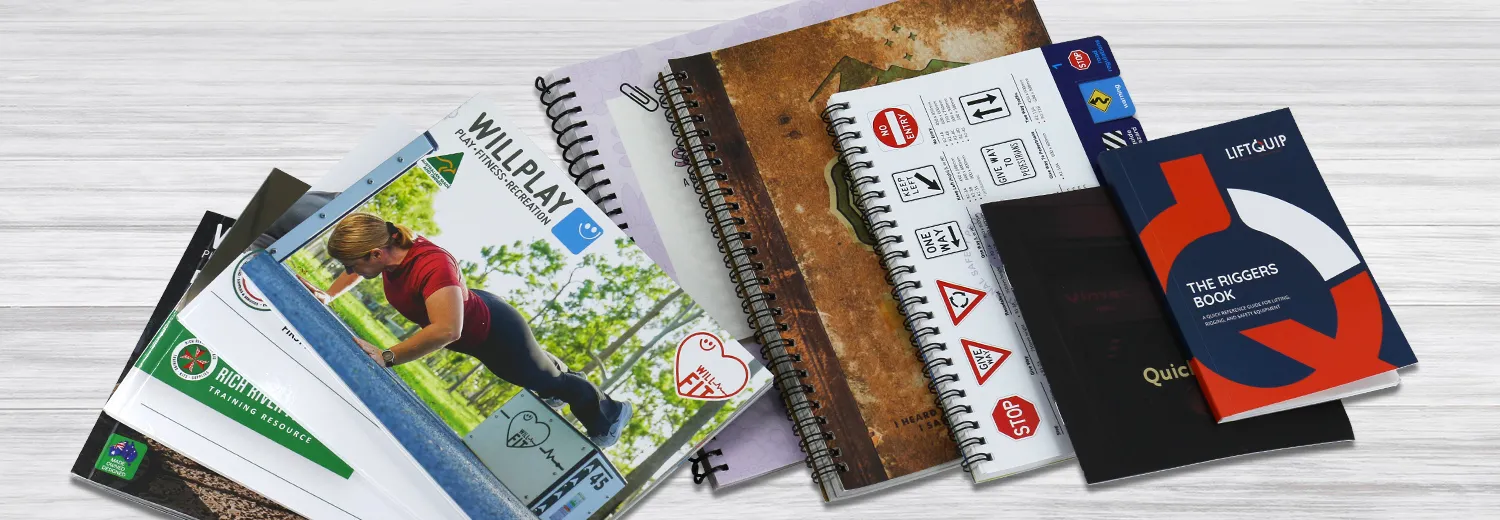
Training manuals are the foundation of good employee development programs. These detailed guides show employees how to complete tasks and understand company processes step by step. Physical training manuals work better than digital versions because employees can highlight key parts and write notes in the margins. They help new hires learn the ropes and support ongoing professional growth.
Product Manual
Good documentation makes every consumer product better. Product manuals tell users how to put together, set up, and use items properly. Some are simple instruction sheets, while others are detailed booklets for complex products. The manual’s format matches how much information it needs to share. Most use black ink on white paper to keep costs down and stay easy to read.
User and Service Manual
User manuals teach people how to operate products, and service manuals explain maintenance and troubleshooting. Electronics, board game, appliances, and technical products need these documents. A good user manual helps cut down support calls and makes customers happier because they can fix small problems themselves. Service manuals help products last longer by showing the right way to maintain them.
Employee and Company Handbooks
Employee handbooks spell out workplace policies and what’s expected of workers. They cover the company’s story, rules, work hours, time off, pay, benefits, and safety rules. Companies protect themselves legally with these books while giving employees a detailed guide for workplace questions. Many companies add their branding to custom handbooks to strengthen their culture.
Educational Study Guides
Students use study guides to get ready for tests and coursework. Physical study materials, such as workbook, work well because writing notes by hand helps people remember better. Schools and test prep companies print study guides in many formats, from simple stapled packets to professional books with color sections.
Equipment, Assembly and Operator Handbooks
These special manuals explain how to put together and run machinery safely. Users need clear instructions to operate equipment without risks. Tough binding helps these handbooks last through heavy use in industrial settings. Pictures and diagrams make complex steps easier to follow.
Repair, Maintenance and Technical Manuals
Technical manuals help keep products working their best. They have specs and troubleshooting steps for engineering, IT, and industrial use. Strong bindings help these books survive workshop conditions. Technical manual printers often add detailed diagrams and exploded views to explain parts better.
Traveling Manual and Reference Manuals
Field guides and reference materials help professionals who work in remote places or areas without internet access. These manuals pack lots of information into a small space, often using special folds to stay compact. Reference manual printers focus on making them tough and portable with water-resistant materials and protective covers.
Printed manuals and handbooks remain vital tools for training, operations, maintenance, and education in nearly every industry.
Material and Finish Options
Paper choice plays a vital role in how your printed manuals look and last. Your handbook’s physical qualities will shape how people use it. This makes choosing the right materials crucial.
Material
Paper weights are key when you plan manual printing. Text paper and cover paper do different jobs. Cover paper must be stiff enough to protect your handbook. Inside pages need light, flexible paper that turns easily.
Employee handbooks work best with 105-157gsm glossy or matte art paper for inside pages. This paper is thick enough to stop text from showing through but flexible enough to turn easily. Some prefer 80-100gsm uncoated paper because it feels natural and works great for note-taking. This is perfect for training manuals where people need to write notes.
Cover stock needs to be much heavier than inside pages. Most professional printers suggest using 80-100# cover weight (about 250-350gsm). This helps your manual handle frequent use without damage. Using regular text paper for covers makes the manual feel flimsy and won’t last as long.
Cover Finish
The right cover finish improves both looks and durability. Each type of lamination brings something special to custom handbook printing.
Glossy lamination makes colors bright and images stand out with better contrast. Instruction manuals with photos or colorful graphics look great with this finish. It also guards against moisture and heavy use. The downside is that fingerprints show up easily on glossy surfaces.
Matte lamination gives you a non-reflective, professional look without glare. Company handbooks with lots of text or pastel colors benefit from this finish. Fingerprints don’t show up as much on matte surfaces. Many companies choose matte lamination for their employee handbooks.
Soft-touch matte lamination feels like velvet and looks sophisticated. This premium option is pleasant to hold and lasts long. High-end manuals often use this finish, especially with dark covers that might show wear with other finishes. Your printed materials will feel premium with this finish.
Binding Options for Manual and Handbook
Binding options shape how your printed manual works in ground situations. The right binding choice will give a better user experience, longer life, and professional look to your printed materials.
Spiral Binding
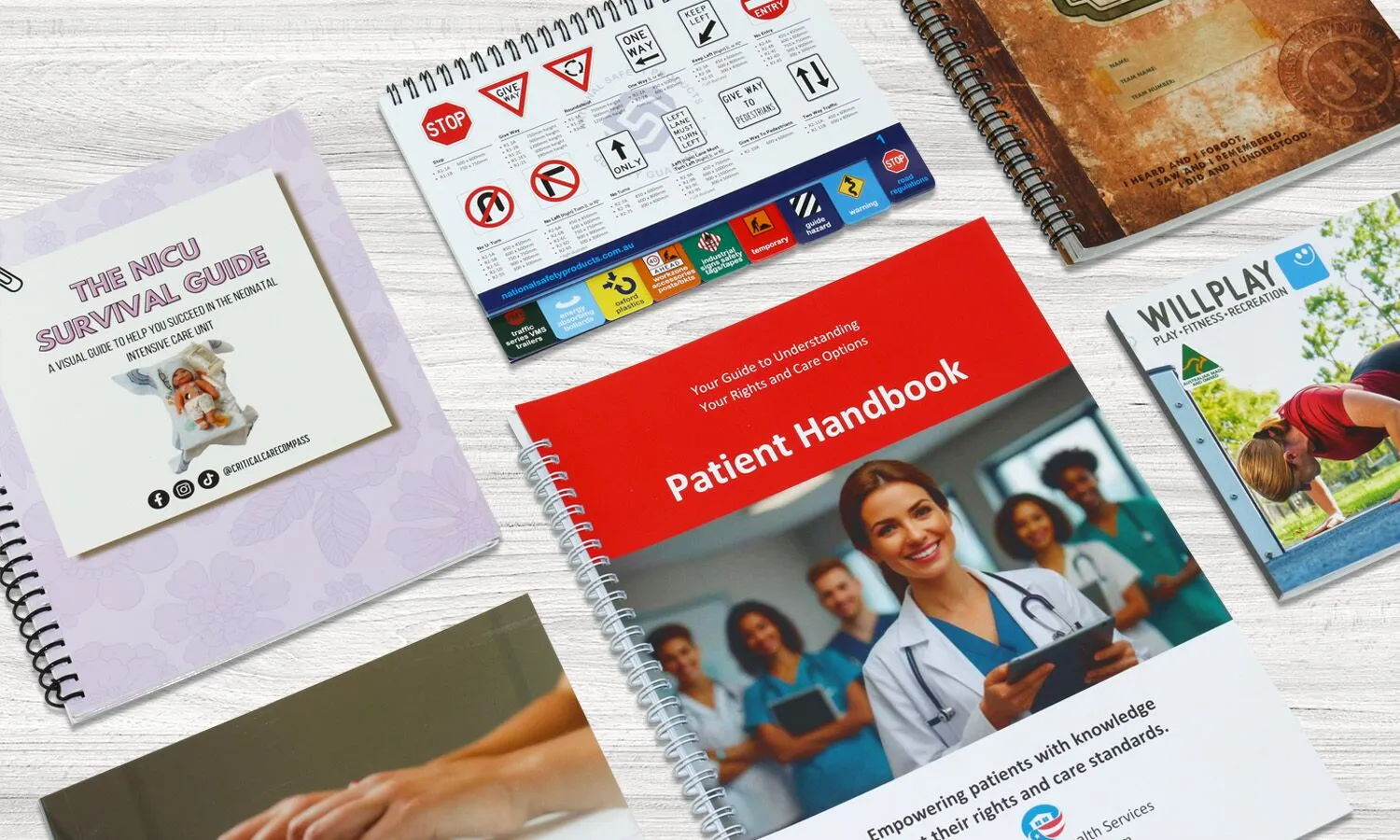
A continuous plastic coil threads through evenly spaced holes along the document edge in spiral binding. This popular choice lets pages lay flat and fold back completely (360 degrees) without any damage to the binding. Users can focus on the content without holding pages open.
Training materials, instruction manuals, and educational documents that need hands-free reference work best with this binding. The plastic coils come in many colors that match your brand elements and add a custom touch to your handbook printing project.
Wire-o Binding
Wire-o binding (also called double-loop or twin-loop) uses separate metal C-shaped loops instead of one continuous coil. Many people mix it up with spiral binding. Company handbooks and client materials look more polished and professional with this binding.
Pages can lay flat and fold back completely with Wire-o binding, just like spiral binding. Reference materials that need frequent checking work great with this method. Metal wire might bend permanently with rough handling, unlike plastic coils. This makes it better for books handled carefully or used in professional settings.
Perfect Binding
Perfect binding creates books that look like paperback novels. Pages get glued to a wrap-around cover along the spine, and the three exposed edges get trimmed for a clean, “perfect” finish. You can print on the square spine to add branding or identification.
Thick materials that don’t need to lay completely flat work best with this binding. Employee handbooks, annual reports, and catalogs look professional and bookstore-quality when perfect bound.
Perfect-bound books won’t lay completely flat, which limits their use for instruction manuals that need hands-free reading. The glue might weaken if you try to flatten the book or use it repeatedly.
Saddle Stitch
Saddle stitching costs less than other methods and works great for smaller and thin handbook printing projects. This method folds paper sheets and staples them along the fold. Page counts must be multiples of four (including covers), with about 64 pages maximum depending on paper thickness.
These booklets can lay relatively flat, making them good for shorter training guides and instruction manuals. Large quantity runs or materials that need regular updates benefit from its lower cost.
Standard Manual and Handbook Printing Sizes
The size you pick for your handbook or manual can substantially affect how easy it is to use and present. Standard sizes have evolved to meet needs of industries and applications of all types.
5.5″ x 8.5″- This compact yet practical size ranks among the most popular choices for handbook printing. Known as the “medium booklet” size, it gives you the perfect mix of portability and space for content. Readers find it comfortable to hold without compromising on readability.
6″ x 9″- Readers can grip these books comfortably and read them with ease. This makes the format perfect for reference materials that take time to digest. Of course, this size builds trust in the content—a psychological plus for company documents or technical manuals.
8.5″ x 11″- US Letter standard stands as the most recognized format in business. Companies employ this size for complete handbook printing. It works great with detailed graphics, charts, or technical illustrations. Business settings have long used this format for reports and handbooks.
9″ x 12″- This larger format creates a premium feel. Technical teams often pick this larger format for equipment manuals and documentation. It gives them room for detailed diagrams, schematics, and technical drawings that would look cramped in smaller sizes.
Our custom handbook printing opens up endless possibilities beyond standard sizes. Though costs might rise, your materials will stand out and leave a lasting impression.
Some organizations need specific branding or have unique content requirements. Custom dimensions help them achieve their exact vision. Square formats like 6″ x 6″ or 8″ x 8″ have become more popular lately. They look distinctive and work well for various purposes.
Tips to Make Manual and Handbook more User-friendly
Creating user-friendly manuals goes beyond simple printing choices. Here are eight proven strategies that will improve your handbook printing projects.
Add Index Tabs
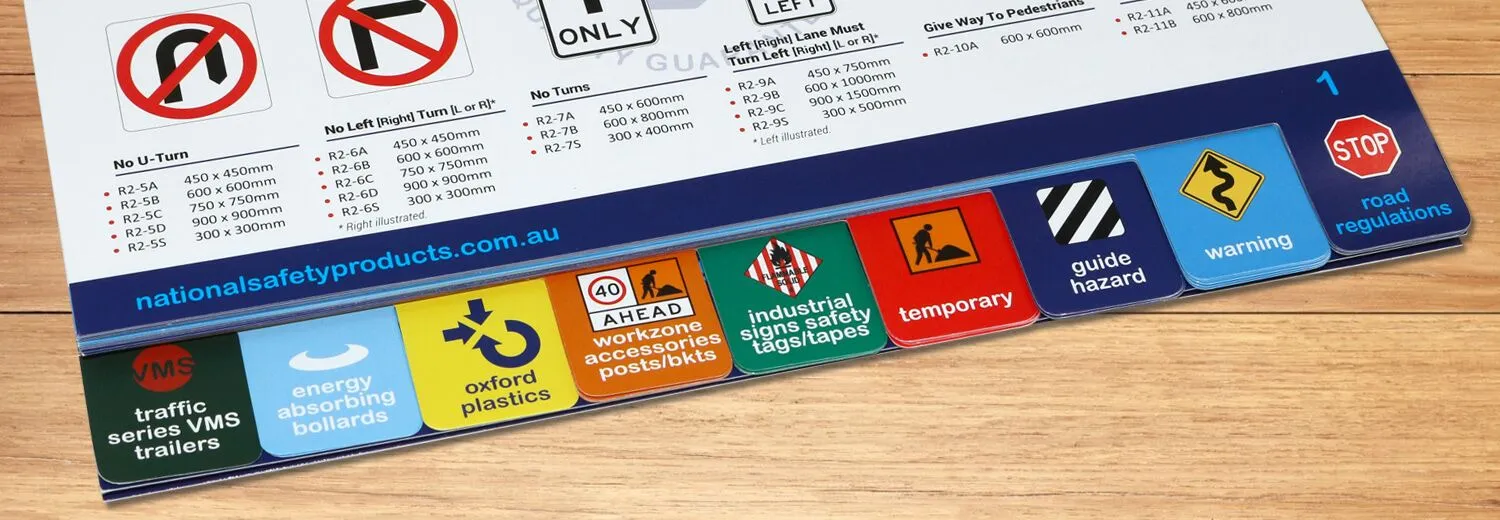
Index tabs turn ordinary manuals into reference tools. These tab extensions give concise labels for each section. Users can quickly find specific areas within your printed information. Tabs work great for manuals, handbooks, proposals, and any multi-page documents that need quick reference access. They help readers direct through complex information naturally.
Think over Spiral or Wire-o Binding
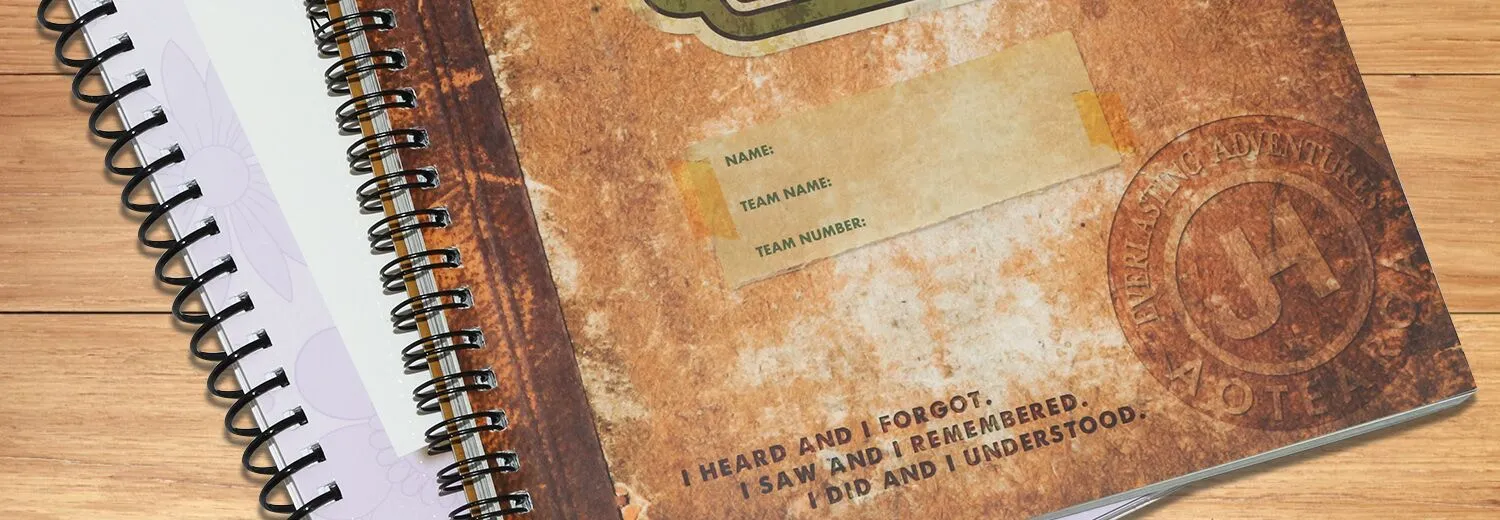
Spiral and wire-o binding lets books lie completely flat while open. Users can keep both hands free as they refer to the manual. Spiral-bound books can fold back completely, making them perfect for training sessions or tight desk spaces. Wire-o binding gives similar advantages with a more polished look, ideal for client-facing materials.
Include Extra Pages for Handwriting Notes
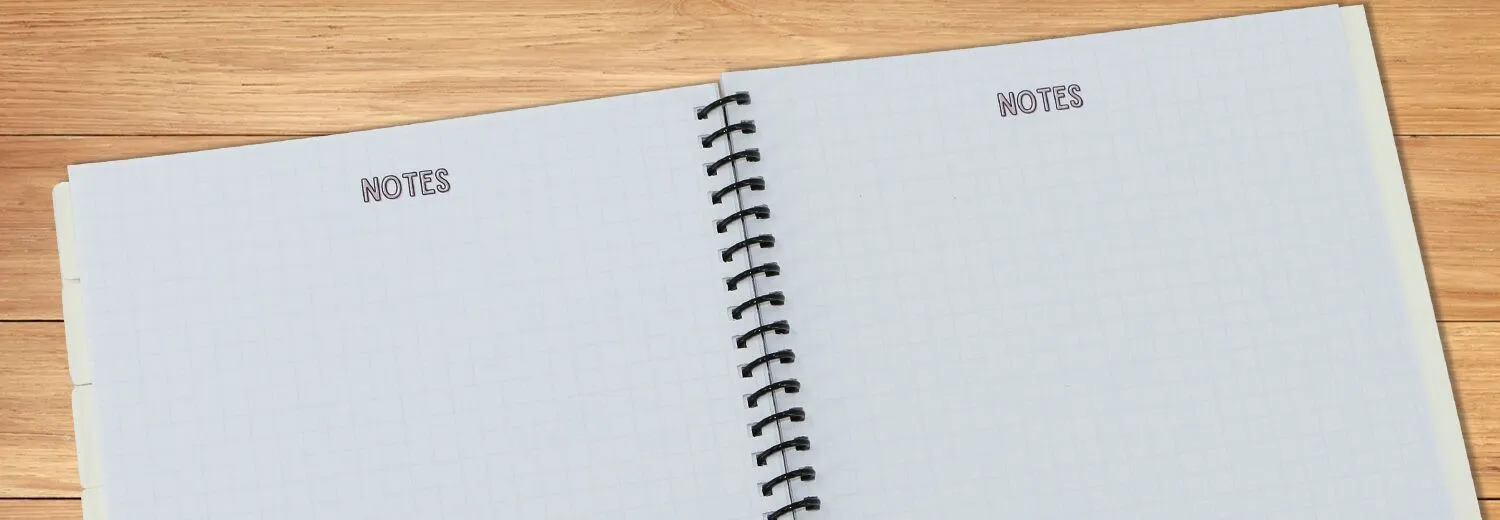
People learn better by making notes directly in manuals, especially when learning new tasks or procedures. Research shows handwritten notes help retain information better than digital note-taking. Adding blank pages at chapter ends is an affordable extra that improves how users interact with your content.
Oversized Cover to Protect Tabs
Making front and back covers slightly larger helps them extend over the tabs. This design choice protects tab extensions from bending or creasing through regular use. Your handbook printing project will last longer.

Include Pocket for Extra Documents
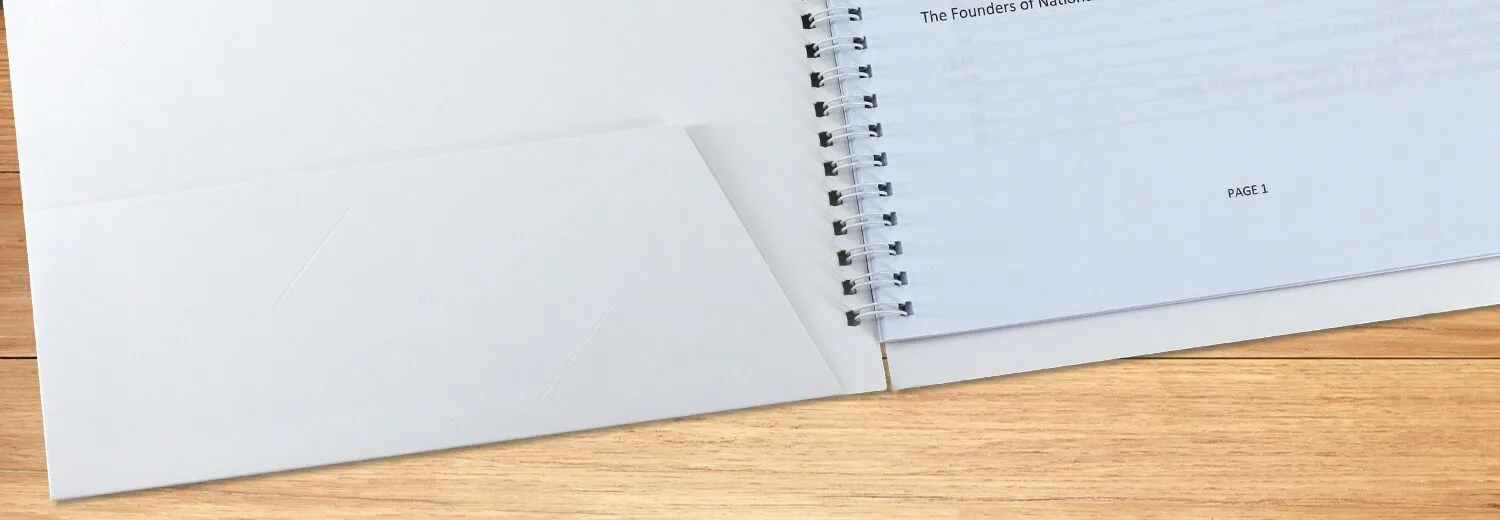
Inside cover pockets offer convenient storage for supplemental materials like worksheets, diagrams, or reference sheets. You can add these pockets to front covers, back covers, or both based on your needs. Users love having all related materials in one place.
Add an FAQ Section
FAQ sections answer common questions in an available format. Good FAQs have categories or sections, accordion-style presentation, and clear, direct answers. A well-designed FAQ section reduces support questions by helping users find solutions on their own.
Simplify Your Language
Clear language reaches audiences with various reading levels and cognitive abilities. For best results:
-
Keep sentences short and direct
-
Use everyday words instead of technical jargon
-
Write in active voice
-
Break information into manageable chunks
-
Use contractions where appropriate
Include Diagrams and Color visuals
Visual elements help people understand better. Research shows visual learners make up about 65% of the population. Diagrams and color visuals explain complex concepts that might be hard to describe in text alone. Quality visuals can reduce lengthy explanations while making your manual printing project more interesting.
Where to Printing Your Manual & Handbook?
The next significant step after planning your manual design, selecting materials, and choosing binding options is finding the right printing partner. BookPrintingChina has proven ourself as a dependable choice with a 25+ year track record in printing.
BookPrintingChina offers several printing formats that work well for manuals:
-
Hardcover binding for premium company handbooks
-
Softcover options for economical training manuals
-
Saddle-stitched formats for thinner instructional materials
-
Spiral binding for easy-reference technical documentation
We maintain competitive prices without cutting corners on quality. This becomes especially valuable for bulk orders. Our extensive capabilities make us a solid choice for organizations that need professional manual printing with international shipping and customer-focused support. Contact us today for an instant quote and let us help you print professional-quality materials more easily, quickly and affordably.